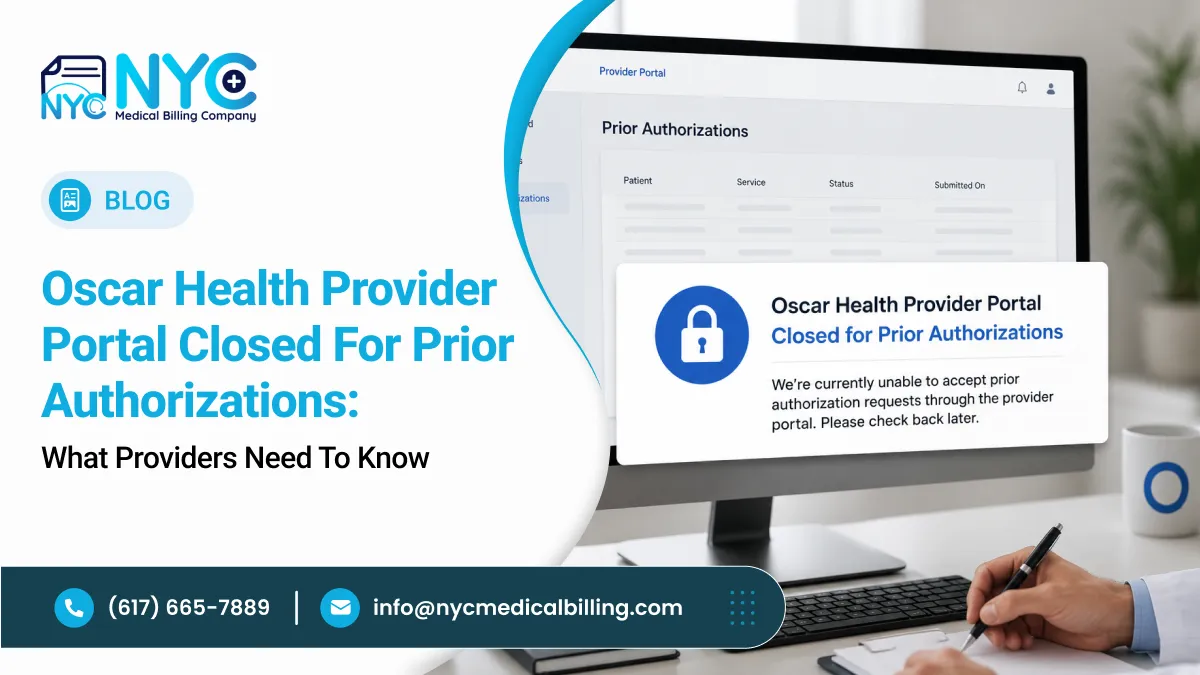
Prior authorization workflows are changing for healthcare providers working with Oscar Health. Effective September 1, 2026, Oscar Health has closed its Provider Portal to new initial authorization submissions. Providers should now use Availity Essentials or an appropriate delegated vendor when submitting new prior authorization requests.
The change is important for physician practices, hospitals, outpatient facilities, and billing teams because submitting an authorization through the wrong channel can create unnecessary delays in the authorization process.
Oscar had previously announced that prior authorization submissions were moving to Availity beginning June 15, 2026, with the Oscar Provider Portal remaining available for a limited transition period before being closed as an authorization submission channel.
This guide explains what the change means, how the new workflow works, and what providers should do to avoid authorization-related disruptions.
What Changed With the Oscar Health Provider Portal?
Oscar Health has transitioned its prior authorization submission process from the Oscar Provider Portal to Availity Essentials.
The key change is straightforward:
New Oscar Health prior authorization requests should no longer be submitted through the Oscar Provider Portal.
Instead, providers should submit new requests through:
- Availity Essentials
- A delegated vendor, when Oscar directs the service to one
- Other submission methods specifically designated by Oscar for a particular service or situation
Oscar’s provider resources currently list Availity Essentials and an Oscar Health Provider Guide – Prior Authorization Submissions among the resources available to providers.
Why Does This Matter?
Prior authorization is often time-sensitive. A request may need to be approved before a procedure, admission, treatment, imaging service, medication, or other healthcare service can be performed.
If a staff member continues using the old portal out of habit, the request may not follow the current workflow. That can lead to extra administrative work and potentially delay the authorization process.
For this reason, practices should update their internal authorization procedures rather than relying on previous workflows.
What Is Availity Essentials?
Availity Essentials is a multi-payer provider portal that allows healthcare organizations to conduct various administrative transactions with participating health plans.
Its authorization functionality allows providers to submit authorization and referral requests, check whether authorization is required, electronically attach supporting documentation, and monitor authorization status.
For practices that already use Availity for other payers, the Oscar transition may be relatively easy because staff can manage Oscar-related authorization work within a platform they already know.
For practices that have not used Availity regularly, however, staff may need to establish access, confirm the appropriate user permissions, and become familiar with the Oscar-specific workflow.
How to Submit a New Oscar Prior Authorization
The exact submission requirements can vary depending on the service and the member’s plan. However, providers should generally approach the process as follows.
1. Log in to Availity Essentials
Use an active Availity Essentials account to access the authorization workflow.
If your organization does not have an account, registration should be completed before an authorization is urgently needed. Oscar’s provider resources include links for registering for Availity and accessing Availity training and support.
2. Select Oscar as the Payer
Make sure Oscar is available and correctly selected within the applicable Availity workflow.
Organizations that already use Availity should verify that Oscar has been added to the appropriate payer list and that staff have the permissions required for authorization activities.
3. Determine Whether Prior Authorization Is Required
Do not assume that every service requires prior authorization.
Check the applicable Oscar requirements for the member, plan, service, and procedure. Oscar maintains prior authorization resources and publishes authorization lists that providers can use to determine applicable requirements.
4. Enter the Patient and Service Information
Enter the required member, provider, facility, service, and clinical information carefully.
Small errors in identifiers, service dates, procedure information, or provider details can create avoidable follow-up work.
5. Attach Supporting Clinical Documentation
Provide the clinical documentation requested for the authorization.
Depending on the service, this may include relevant clinical notes, diagnostic information, treatment history, imaging reports, or other documentation supporting medical necessity.
Oscar’s authorization submission guide provides service-specific instructions, including different requirements for areas such as transplant-related authorizations, emergency admissions, and planned inpatient procedures.
6. Submit and Track the Request
After submission, retain the authorization reference or confirmation information according to your organization’s workflow.
Availity provides tools for monitoring authorization requests and their status electronically.
What About Existing Authorizations?
The September 1 change should not be interpreted as meaning that every authorization-related task has disappeared from Oscar’s systems.
The important distinction is between new initial authorization submissions and other provider workflows.
Oscar’s transition information indicates that the move to Availity is specifically focused on prior authorization submissions. Other functions may continue to be available through Oscar’s Provider Portal depending on the workflow.
Therefore, staff should avoid assuming that every Oscar transaction must now be performed through Availity.
Instead, verify the correct platform for the specific task.
Delegated Vendors Still Matter
Not every authorization request necessarily follows the same path.
Oscar’s provider guidance indicates that when utilization review is delegated for a service, providers may be directed to the appropriate vendor.
This means billing and authorization teams should not automatically submit every request through Availity without first checking the applicable Oscar requirements.
A good workflow is:
Check authorization requirement → Identify the correct submission channel → Submit documentation → Record confirmation → Monitor status
This simple sequence can help reduce mistakes.
Common Mistakes Providers Should Avoid
Continuing to Use the Old Provider Portal
One of the easiest mistakes is simply continuing with the workflow staff have used for years.
Update your internal SOPs, authorization checklists, and staff instructions to reflect the Availity transition.
Waiting Until the Day of Service
Prior authorization should not be treated as a last-minute administrative task.
If authorization is required, identify the requirement early enough to allow time for submission, documentation requests, and payer review.
Submitting Incomplete Clinical Documentation
An authorization request without sufficient supporting documentation may require additional follow-up.
Before submitting, review the clinical documentation requirements for the specific service.
Choosing the Wrong Service Type
Authorization workflows can require different service categories depending on the situation.
Oscar’s submission guide, for example, provides different instructions for emergency inpatient admissions and planned/elective inpatient procedures.
Failing to Track the Authorization
Submitting a request is only one part of the process.
Your team should have a system for monitoring pending authorizations, responding to requests for additional information, and recording determinations.
How Medical Billing Teams Should Prepare
The portal change is more than a login change. It is a workflow change.
Medical billing and authorization teams should consider taking the following steps:
Update internal SOPs: Replace references to the Oscar Provider Portal for new initial authorization submissions.
Train authorization staff: Make sure team members know where Oscar authorization requests are now submitted.
Verify Availity access: Confirm that employees who handle authorizations can access the appropriate Availity functions.
Review payer requirements: Keep Oscar’s current authorization requirements available to staff.
Create an authorization tracking process: Record submission dates, reference numbers, pending requests, additional documentation requests, and determinations.
Audit recent submissions: Periodically review authorization requests to identify recurring errors or delays.
These steps can make the transition much smoother, particularly for practices that submit a high volume of prior authorizations.
Does the Change Affect Claims and Eligibility?
Not necessarily.
The transition described by Oscar is specifically centered on prior authorization submissions. Oscar has continued to provide other provider resources and portal functionality, while its Availity integration expands the available workflows.
Therefore, staff should distinguish between:
- Prior authorization submissions
- Eligibility and benefits
- Claims
- Claim status
- Disputes
- Payment-related functions
- Other provider transactions
The appropriate platform can differ by transaction.
What Providers Should Do Now
If your practice works with Oscar Health, this is a good time to review your authorization workflow.
Start by confirming that your organization has access to Availity Essentials. Then verify that the appropriate staff members have the necessary permissions and understand how to locate Oscar’s authorization workflow.
Next, update your internal procedures so that new Oscar prior authorization requests are routed through the appropriate channel rather than the closed Provider Portal.
Oscar’s provider resources also provide access to Availity materials, training resources, and its prior authorization submission guide.
Final Takeaway
The closure of the Oscar Health Provider Portal for new initial authorization submissions marks an important change in the way providers manage Oscar prior authorizations.
For practices, the biggest priority is to move the authorization workflow to Availity Essentials, verify staff access, understand Oscar’s current submission requirements, and maintain a reliable tracking process.
A few workflow updates now can help prevent avoidable authorization delays later. Because payer procedures can change, providers should also review Oscar’s current provider resources and authorization guidance before submitting time-sensitive requests.
Stay Ahead of Authorization Changes
Managing payer-specific authorization requirements can take valuable time away from your practice. A specialized medical billing team can help monitor authorization workflows, documentation requirements, and payer changes so your staff can focus more on patient care.
Need help managing medical billing and prior authorizations? Contact our medical billing experts today.
Frequently Asked Questions
Is the Oscar Provider Portal completely closed?
The September 1, 2026 update concerns new initial authorization submissions. The transition information indicates that prior authorization submissions moved to Availity, while other Provider Portal functions may continue depending on the transaction.
Where should I submit a new Oscar prior authorization?
New prior authorization requests should generally be submitted through Availity Essentials, unless Oscar directs the request to a delegated vendor or another designated workflow.
Do I need an Availity account?
If your organization is submitting Oscar prior authorizations through Availity Essentials, staff need appropriate access to the platform. Oscar provides registration and training resources through its provider resource pages.
Does every Oscar service require prior authorization?
No. Authorization requirements depend on the member’s plan and the service being requested. Providers should verify the applicable requirements before submitting.
Can providers still use the Oscar Provider Portal?
Some Oscar provider functions may remain available through the Provider Portal. The important change discussed here is the move of new prior authorization submissions to Availity Essentials.